The Macs you already own are a datacenter. AI that runs on your iPhone.
The MacBook on the shelf and the Mac mini under the desk can run one bigger AI together, over Wi-Fi.1 No Mac? Your iPhone answers on its own, even offline.2
No Mac needed. It answers on its own, even offline.2 Set up a Mac later for bigger AI.
Free. No ads.3 · iPhone app on the App Store · Mac needs Apple silicon (M1 or later) and macOS 14 or later
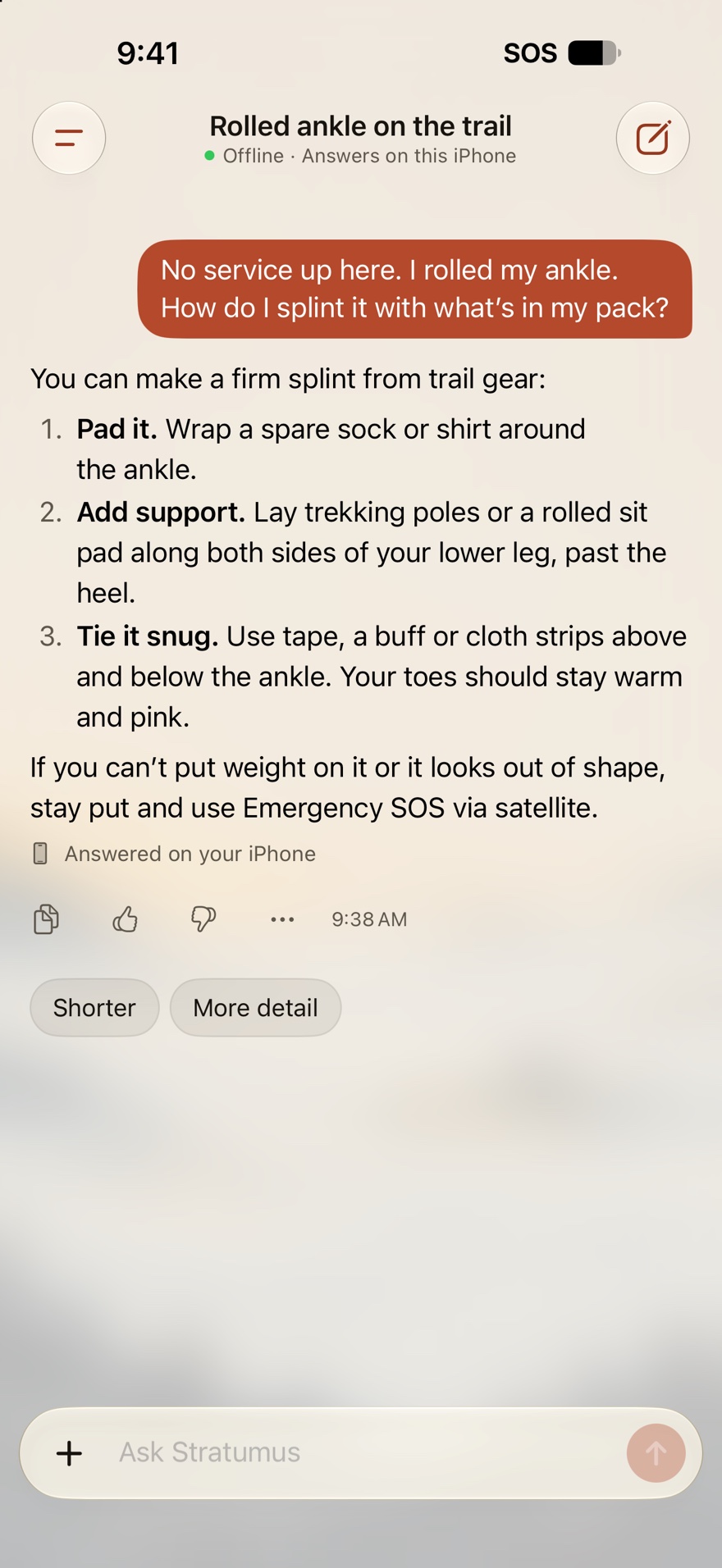
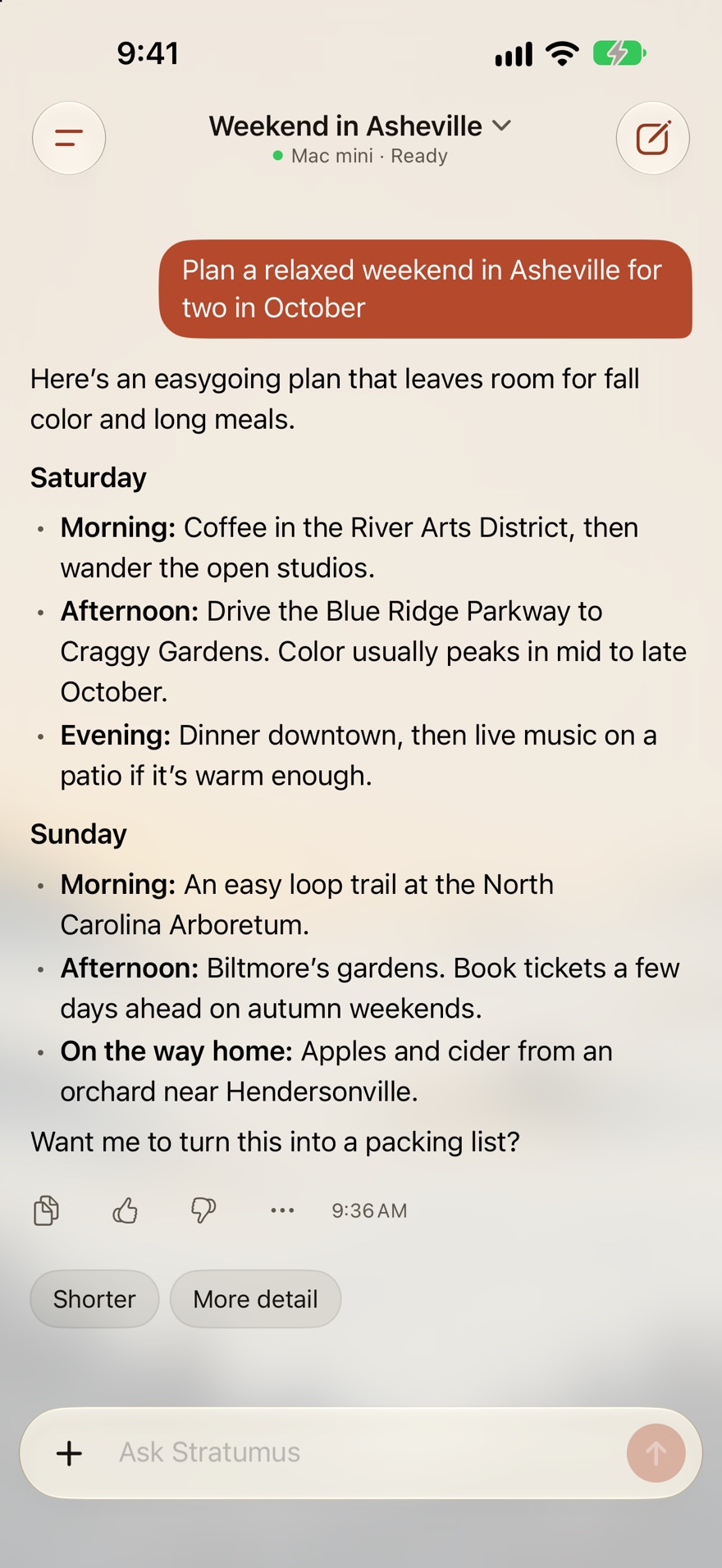
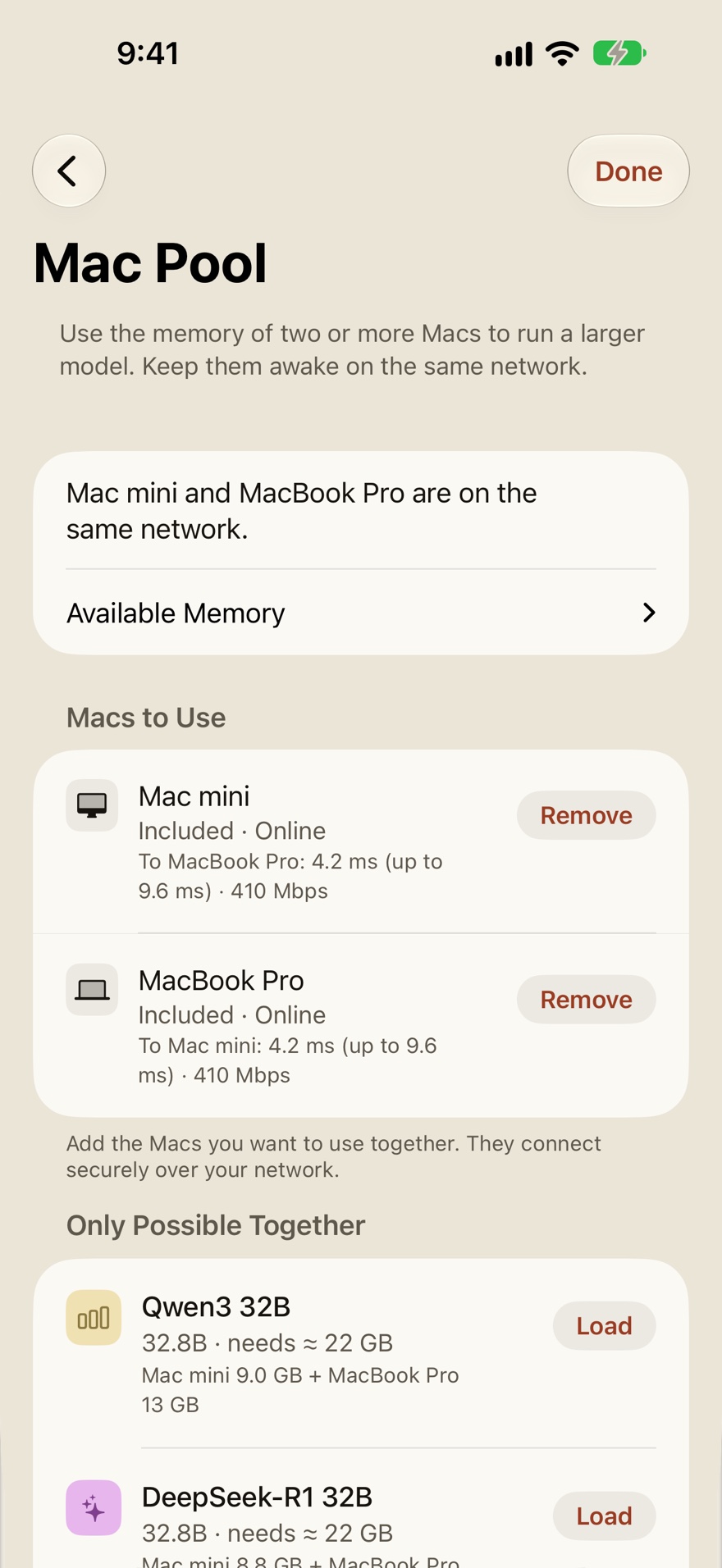
A Mac mini and a MacBook Pro share their memory to run one model too big for either Mac. About Mac Pool →
Download Stratumus for Mac and type its setup code into your iPhone. Your Mac writes the answers, with room for larger models. Get Stratumus for Mac →
On its own, your iPhone writes the answer. No cloud AI.
How it works.
Every setup starts on your iPhone. Set up a Mac for bigger AI, then pool your Macs for the biggest.
Step 1: Ask on your iPhone.
Get Stratumus from the App Store and ask anything. Your iPhone writes the answer itself, even offline.2
Get the iPhone AppStep 2: Set up a Mac.
Download Stratumus for Mac and open it. It shows a setup code. In Stratumus on your iPhone, tap Connect a Mac and type it in.
Get Stratumus for MacStep 3: Pool your Macs.
Open Stratumus for Mac on another Mac and connect it the same way. Then, in the app, go to Settings › Macs › Mac Pool.
About Mac Pool
One AI, bigger than any one Mac.
Your Macs share their memory to run one model too big for any one of them.
- Macs with Apple silicon, on the same Wi‑Fi
- All of them awake
- One supported model at a time
One measured run, published. On October 3, 2026, two Macs ran DeepSeek-R1 32B together. The first reply took about 100 seconds, most of it the model’s own thinking.1 A newer measured run, with its method, will be published in the Journal.
Mac Pool is for size first: it runs an AI too big for any one of your Macs. Speed depends on the model, your Macs and your Wi‑Fi. It’s built on llama.cpp, an open-source project, and packaged so nobody opens Terminal.
How Mac Pool worksKnow what runs where.
Your questions, answered by devices you control. Here’s the short version.
No ads. No selling your information. No training AI on your chats.
See how privacy works Private AI, explained
- 1Your device writes the answer.The assistant runs on the iPhone or Mac you choose. Stratumus has no AI of its own in the cloud.
- 2Your chats are saved in your account.They travel encrypted and are kept on our server so every device has them. They aren’t end-to-end encrypted, so they aren’t hidden from us. Temporary chats aren’t saved, and chats made offline can stay only on your iPhone.
- 3You stay in control.See your Macs and saved memories. Export or delete your chats any time.
Why we’re building Stratumus.
Every home and business already owns the computer power it needs for AI. Most of it sits idle.
A laptop on the counter, a desktop in the office, a Mac mini under the desk: most of the day, they do nothing. Stratumus puts that unused power to work as your own AI, on devices you control, with one sign-in that just works. It costs less than renting AI that runs on someone else’s servers.
Today, Stratumus runs on Mac and iPhone. Next, we want it to use every device you already own and to share it with everyone under your roof, because AI shouldn’t cost you your privacy, or your values.
Short answers.
Do I need a Mac?
No. The iPhone app answers with an assistant on the phone itself, such as Lightspeed. A Mac adds bigger assistants and answers from anywhere. How it works offline
Is Stratumus private, and where do my chats live?
Your own devices write every answer, chats never go to an outside AI company, and they’re never used for ads or to train AI. Chats live in your Stratumus account, so they follow you to every device you sign in on. They’re stored on our server without end-to-end encryption, so they aren’t hidden from us. To keep a chat off our server, use a temporary chat, which isn’t saved; chats made offline can stay only on your iPhone. You can export or delete your chats any time. Privacy policy
What AI models does it use?
Free models made by companies such as Meta, Google, Alibaba and Microsoft. They run on your own devices, so there are no per-answer fees. Each one has its own license (see the list). Stratumus’s own code isn’t public yet. Opening it up is our goal.
Your AI starts here.
Free. No ads.3 If anything is confusing or broken, tell us and we’ll fix it.
Or get the iPhone appOr get Stratumus for Mac
Questions or feedback? hello@stratumus.com
Notes
- 1
Measured on October 3, 2026: a Mac mini (M4, 16 GB) and a MacBook Pro (24 GB) ran DeepSeek-R1 32B together over ordinary home Wi‑Fi. The first reply took about 100 seconds, most of it the model’s own thinking. The Mac Pool screen pictured shows Qwen3 32B, another 32B model. Mac Pool is built on llama.cpp’s open RPC backend, packaged in Stratumus for Mac so nobody opens Terminal. We haven’t published a pooled speed since that run; a newer measured run, with its method, will be published in the Journal. Speed depends on the model, the Macs and the Wi‑Fi. How Mac Pool works ↩︎
- 2
Answering offline needs an assistant downloaded to your iPhone, such as Lightspeed (Settings › This iPhone), or Apple’s built-in model on an iPhone that supports Apple Intelligence, with it turned on. Without either, the question waits for your Mac. ↩︎
- 3
Stratumus is free right now, with no ads, and the iPhone app has no in-app purchases. If we decide to charge, we’ll tell you at least 30 days before, and you won’t be charged unless you agree to pay. Terms ↩︎